
BenQ ScreenBar Halo 2 vs Quntis monitor light bar in Canada comes down to how much lighting control you want at your desk. The BenQ is the stronger premium pick for wider documented coverage, front-and-back lighting and a separate wireless controller. The Quntis listing is the leaner monitor-light-bar option for shoppers who want a simpler USB-powered screen lamp with touch control and a narrower body.
Both products are meant to free desk space compared with a traditional desk lamp. Both sit on or near the monitor instead of taking up a lamp base beside your keyboard. The important differences are coverage area, control style, monitor fit, cable setup and whether ambient backlighting matters to your work area.
This comparison uses the checked Amazon.ca listings and official BenQ and Quntis information. It avoids static prices, star ratings and review counts because those can change quickly.
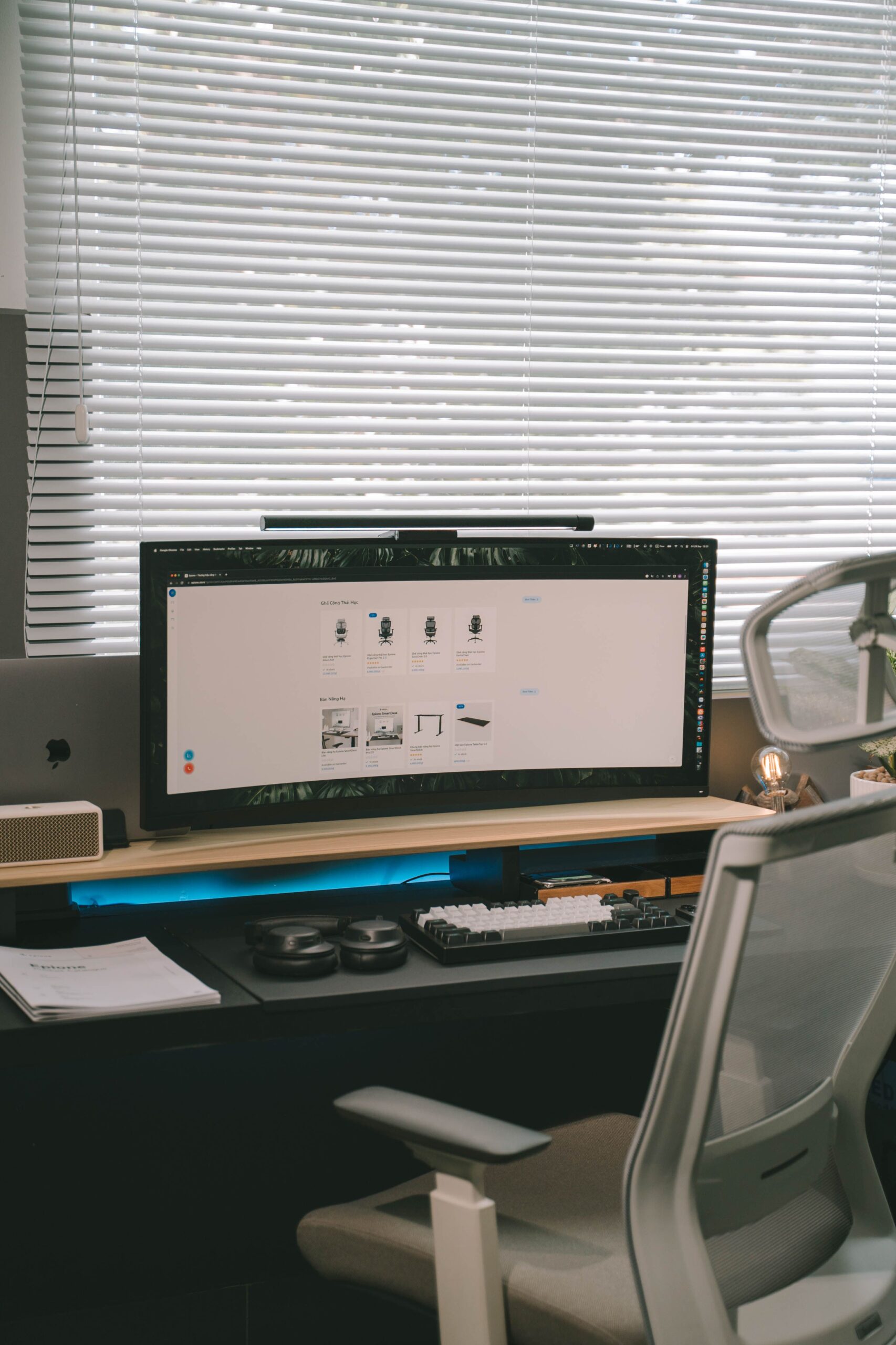
BenQ ScreenBar Halo 2 vs Quntis Monitor Light Bar in Canada: Quick Answer
BenQ ScreenBar Halo 2
Choose the BenQ if you want a higher-end monitor light bar with front and rear lighting, a wireless controller, and official lighting-coverage details. BenQ lists 500 lx coverage across an 85 × 50 cm area and a 50 cm lamp body.
- Front light plus backlight.
- Wireless controller.
- USB-C power input listed by BenQ.
Quntis Computer Monitor Lamp
Choose the Quntis if you want a more basic monitor light bar with touch control, auto-dimming listed on the Amazon.ca page, and a smaller 39.9 cm wide body. It makes more sense when desk-space savings matter more than premium control extras.
- Touch switch listed on Amazon.ca.
- 39.9 cm listed width.
- 500 g listed item weight.
Products Compared
BenQ ScreenBar Halo 2 LED Monitor Light
The BenQ ScreenBar Halo 2 is the more feature-heavy option here. BenQ lists front lighting, rear lighting, auto dimming, a wireless controller and a 500 lx workspace coverage area of 85 × 50 cm. That makes it better suited to a desk where the monitor light is part of the whole work setup, not just a small light above the keyboard.
Best fit: a fixed home-office desk where the light bar will be used often and the rear ambient light and controller matter.
Trade-off: it is more product than some desks need if the main goal is just basic keyboard lighting.
Quntis Computer Monitor Lamp, Screen Monitor Light Bar
The Quntis listing is the simpler comparison point. Amazon.ca lists it as a ScreenLinear Pro style monitor light bar with aluminum base material, touch switch, LED lamp type and dimensions of 2 cm deep, 39.9 cm wide and 2 cm high. It is the more compact light bar on listed body width.
Best fit: a basic home-office or study desk where you want a monitor-mounted light without buying into a more involved lighting system.
Trade-off: the checked Amazon.ca listing does not document the same wide coverage and controller details as BenQ’s official page.
At-a-Glance Comparison Table
| Decision point | BenQ ScreenBar Halo 2 | Quntis Computer Monitor Lamp |
|---|---|---|
| Amazon.ca ASIN used | B0DK59YKRS | B08DKQ3JG1 |
| Main style | Premium monitor light bar with front and rear lighting | Monitor-mounted LED task light with touch control |
| Controls | Wireless controller listed by BenQ and Amazon.ca | Touch switch listed by Amazon.ca |
| Listed light coverage | 500 lx across 85 × 50 cm listed by BenQ | Not listed in the same format on the checked Amazon.ca page |
| Body size | 50 × 14.3 × 10.9 cm lamp listed by BenQ | 2 × 39.9 × 2 cm listed on Amazon.ca |
| Weight | 0.8 kg net weight listed by BenQ | 500 g listed on Amazon.ca |
| Power detail | 5V / max 3A USB-C listed by BenQ | USB reading LED task lamp listed on Amazon.ca; exact input not shown in the checked source |
| Best suited setup | Dedicated desk with wide lighting needs and a visible monitor setup | Simple desk where compact size and basic screen-light function matter most |
| Amazon.ca | View listing | View listing |
Where They Differ
For BenQ ScreenBar Halo 2 vs Quntis monitor light bar in Canada, the practical difference is not just brightness. It is the desk setup each one assumes. The BenQ is designed around a more complete lighting zone, while the Quntis option is closer to a compact monitor-mounted task lamp.
BenQ gives clearer coverage documentation
BenQ lists the Halo 2 as delivering 500 lx across an 85 × 50 cm area. The Quntis Amazon.ca listing checked for this guide lists dimensions, touch control and lamp type, but it does not give the same documented coverage footprint in the product information block.
Wireless controller versus touch switch
The BenQ setup is more control-heavy because the controller is part of the experience. The Quntis listing keeps the decision simpler with a touch switch.
Both save desk surface
Neither product needs the base footprint of a traditional desk lamp. That is useful for narrow desks, keyboard trays, small apartments and shared work surfaces.
Check your USB source
BenQ lists 5V / max 3A USB-C input for Halo 2. For the Quntis listing, confirm the current Amazon.ca page and included cable details before buying.
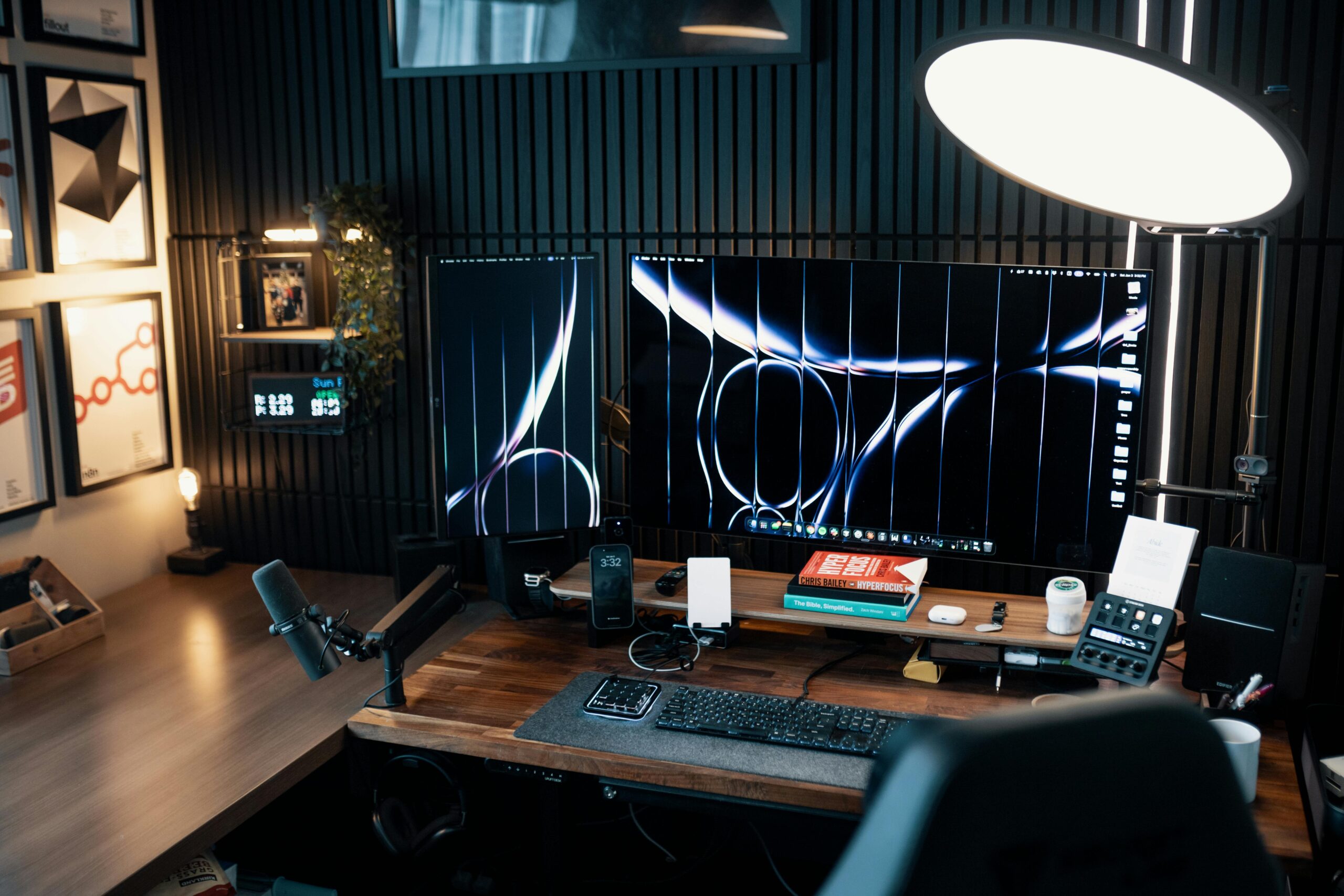
Individual Product Breakdowns
BenQ ScreenBar Halo 2: better for a permanent desk setup
The BenQ ScreenBar Halo 2 makes the most sense if your desk is a fixed workspace and you care about lighting the full area in front of your monitor. BenQ’s Canadian product page lists a consistent 500 lx across an 85 × 50 cm area, and the official comparison details list the Halo 2 lamp size as 50 × 14.3 × 10.9 cm.
The rear lighting is the main reason to choose it over a simpler bar. That does not mean every desk needs it. But if you work at night, use a large monitor, or care about the brightness balance around the screen, the BenQ is the more complete option on listed features.
Quntis Computer Monitor Lamp: better for a simpler screen-light upgrade
The Quntis monitor light bar is the more straightforward option. The checked Amazon.ca listing identifies a 39.9 cm wide LED monitor lamp with touch switch, aluminum base material and 500 g listed weight. It is a better match for shoppers who want the monitor-light-bar idea without building the whole desk around a premium lighting system.
Quntis also publishes broader monitor-light-bar guidance around asymmetric lighting, adjustable brightness and colour temperature, and monitor-mounted designs. For the exact Amazon.ca product, the listing is still the identity source used here because it confirms ASIN B08DKQ3JG1 and the listed dimensions for the selected model.
Decision Guide
The right choice depends on how serious your desk-lighting problem is. A casual laptop-and-monitor corner does not need the same light as a permanent workstation with long evening sessions, paperwork, a large display and limited room for a side lamp.
For wider desk lighting
BenQ is the clearer fit when you want documented wide coverage, rear light and a controller that sits away from the light bar.
For a simpler monitor lamp
Quntis is easier to justify when the main job is freeing desk space and lighting the keyboard area without a larger lighting system.
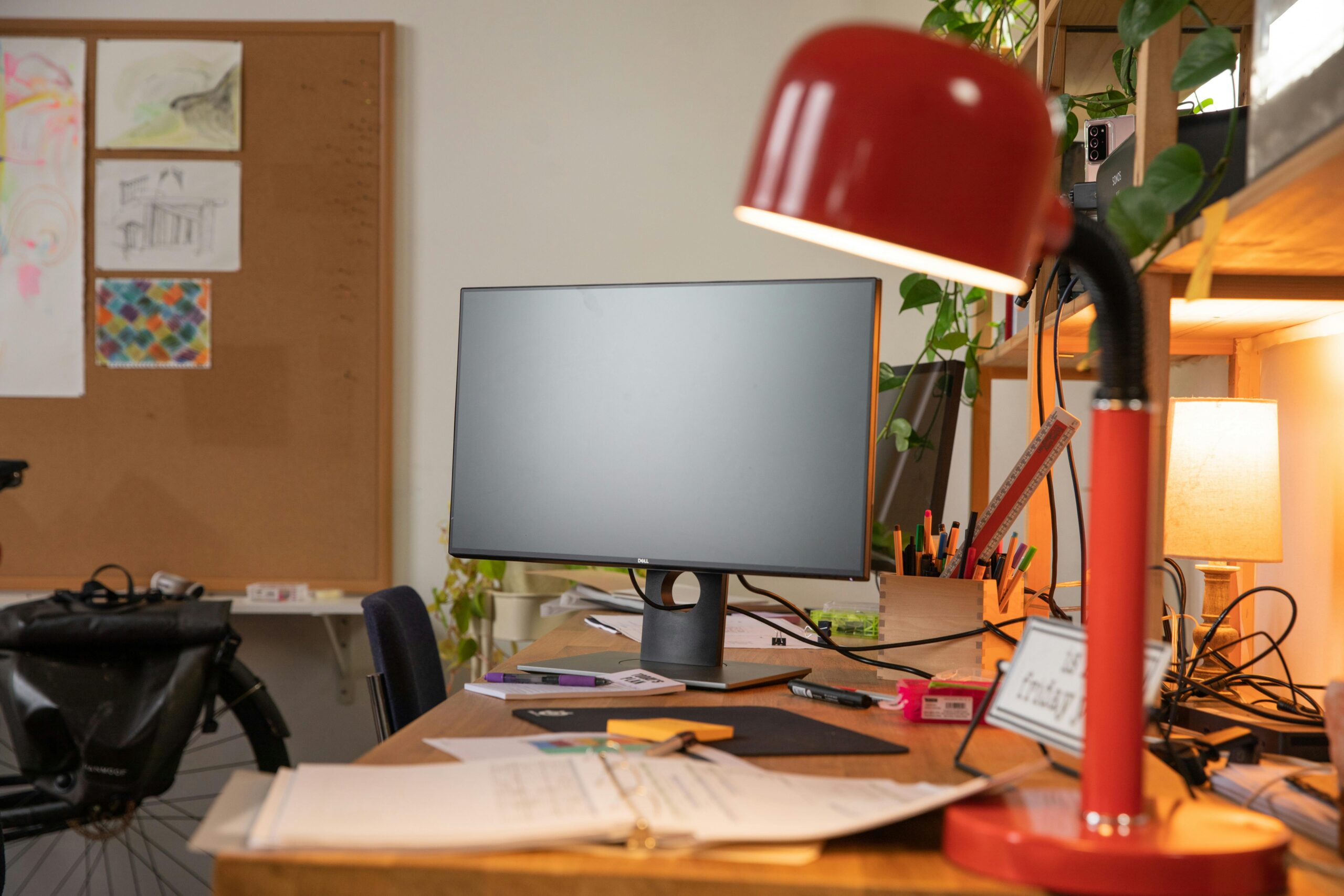
Pick BenQ ScreenBar Halo 2 if…
- You want front and rear lighting in one monitor-mounted setup.
- You care about the listed 85 × 50 cm lighting coverage area.
- You prefer a separate wireless controller instead of only touching the bar.
- You have a more permanent home-office desk.
Pick Quntis if…
- You want a simpler monitor light bar for a smaller desk.
- You prefer a narrower listed body width.
- You are comfortable with touch controls on the lamp.
- You do not need rear ambient lighting as a deciding feature.
Buying Advice for Monitor Light Bars in Canada
Start with your monitor shape. A light bar is only helpful if it sits properly on your display. Check monitor thickness, curved-screen compatibility, webcam position and whether the top edge of your monitor has enough flat surface for the clamp.
Next, check power. Monitor light bars are often USB-powered, but the required current can vary. BenQ lists 5V / max 3A USB-C input for the Halo 2. If your monitor’s USB port cannot provide enough power, you may need a separate adapter or a different USB source.
Then decide whether backlighting matters. A front-only bar may be enough for keyboard lighting and note-taking. A front-and-back setup makes more sense when the room is dim and the screen feels too bright compared with the surrounding wall.
Finally, do not buy only from the product photo. Measure the space above your monitor, check your webcam position, and confirm the current Amazon.ca bundle contents before ordering.
FAQ
Which is better in BenQ ScreenBar Halo 2 vs Quntis monitor light bar in Canada?
The BenQ is better for shoppers who want wider documented coverage, front-and-back lighting and a wireless controller. The Quntis is better for shoppers who want a simpler monitor-mounted lamp with touch control and a narrower listed body.
Do monitor light bars replace a desk lamp?
They can replace a desk lamp for keyboard, notes and general desk lighting in many setups. They may not replace a movable task lamp if you need light aimed at books, crafts, side tables or work away from the monitor.
Will a monitor light bar fit every monitor?
No. Check monitor thickness, back shape, top bezel shape and webcam placement. BenQ publishes monitor compatibility ranges for its ScreenBar models, while Quntis guidance varies by model and listing.
Is rear lighting necessary?
Not for everyone. Rear lighting is more useful in dim rooms or fixed desk setups where the bright monitor creates strong contrast with the wall behind it. A simpler front-only bar may be enough for many desks.
Why are no Amazon.ca prices or ratings shown?
Prices, ratings, review counts and offers can change. This guide focuses on product identity, listed specifications and practical desk fit, then links to Amazon.ca so readers can check current details directly.
What I Would Choose
For a permanent home-office desk, I would choose the BenQ ScreenBar Halo 2. In BenQ ScreenBar Halo 2 vs Quntis monitor light bar in Canada, the BenQ has the clearer documented coverage area, more advanced control setup and front-and-back lighting that makes sense for evening work.
I would choose the Quntis instead for a simpler desk, a smaller monitor setup, or a secondary workstation where the main goal is reducing desk-lamp clutter. It is the more practical choice when you do not need a premium lighting system.
Sources and Method
This comparison is based on listed product specifications, Amazon.ca product identity checks and official manufacturer information. Hamejur has not claimed hands-on testing for these products.
- Amazon.ca listing for BenQ ScreenBar Halo 2, ASIN B0DK59YKRS
- Amazon.ca listing for Quntis Computer Monitor Lamp, ASIN B08DKQ3JG1
- BenQ Canada ScreenBar Halo 2 product page
- BenQ Canada ScreenBar Halo 2 specifications
- Quntis monitor light bar product information
- Quntis monitor light bar comparison information
- Pexels image by MintWorkspace
- Pexels image by Josh Sorenson
- Pexels image by RDNE Stock project
For more buying-guide context, browse Work & Smart Living, Home Office, Blog / All Guides, How We Compare and the Editorial Policy.


Leave a Reply